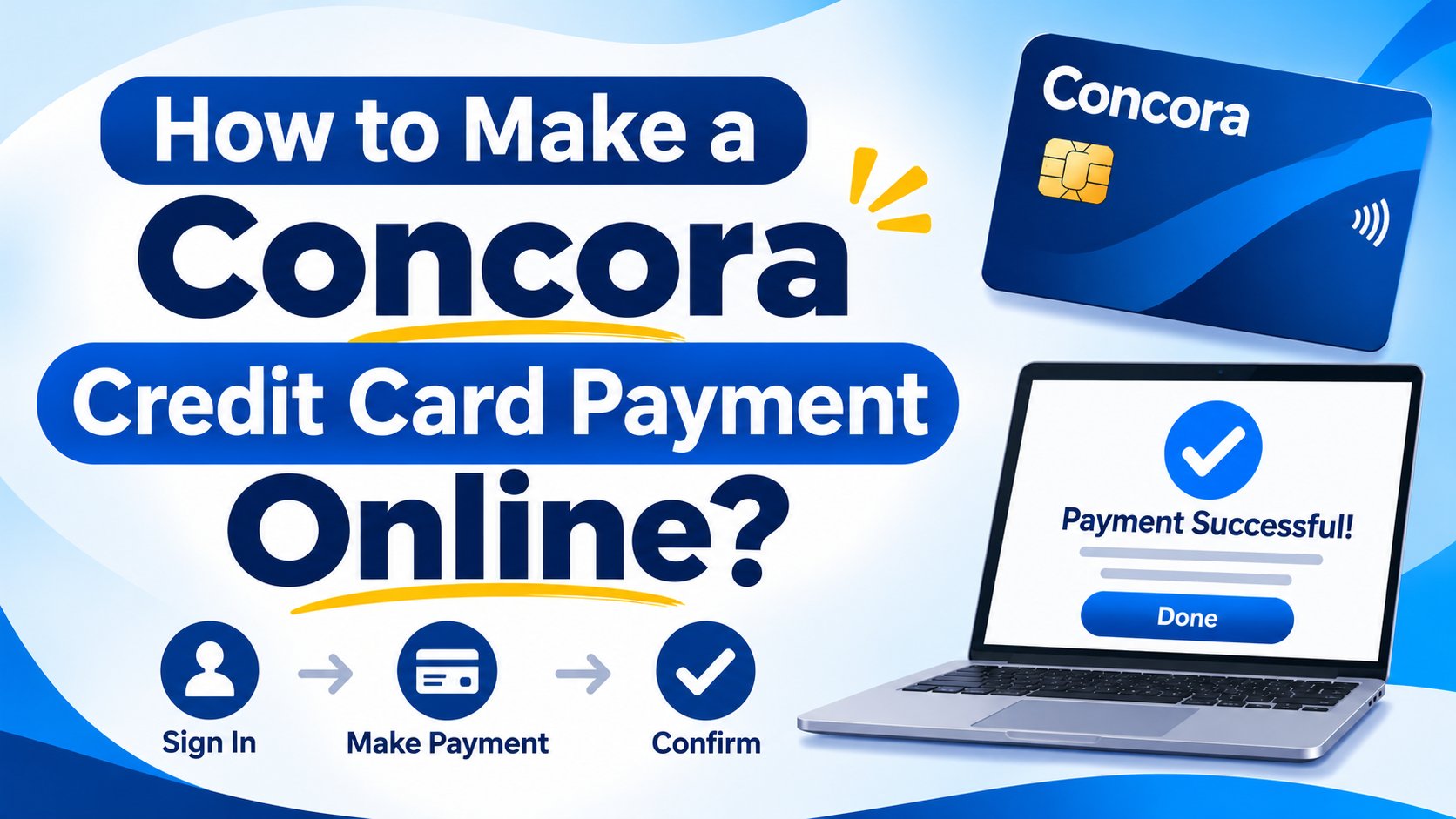
How to Make a Concora Credit Card Payment Online?
Learn how to make a Concora Credit Card payment online with this easy step-by-step guide. Discover how to sign in, submit payments, and manage your account.
In this article
Making a Concora Credit Card payment online is a convenient way to manage your monthly bills and keep track of your account. By using the online account portal, cardholders can review their balance, check payment details, and submit payments without visiting a physical location.
If you want to understand how to make a Concora Credit Card payment online, follow the simple steps below.

Steps to Make a Concora Credit Card Payment Online
Follow these steps to complete your payment:
Visit the Account Website: Open the account management website provided with your Concora Credit Card.
Sign In to Your Account: Enter your registered username and password to access your account.
Find the Payment Option: Look for the Payments or Make a Payment section in your account dashboard.
Enter Payment Details: Select your payment amount and provide the required bank account information.
Review Your Information: Check the payment amount and other details carefully before continuing.
Submit Your Payment: Confirm the information and submit your payment request.
Save the Confirmation: Keep your payment confirmation or reference number for future records.
What Do You Need to Make a Payment?
Before starting the payment process, keep these details ready:
Your Concora Credit Card account login details.
A valid bank account or accepted payment method.
Your payment amount.
Your billing information.
A stable internet connection.
Benefits of Paying Your Concora Credit Card Online
Online payments make account management easier and more convenient. Some common benefits include:
Convenience: Make payments from home or anywhere with internet access.
Easy Account Access: Review your balance and payment information online.
Time-Saving: Avoid unnecessary visits or paperwork.
Payment Tracking: Check your payment history and available confirmations.
Better Management: Keep track of upcoming payment due dates.
What If You Cannot Access Your Account?
If you have trouble signing in, check that your username and password are correct. You can also use the available password recovery option if you have forgotten your login information.
If your card is new and you need activation instructions, search for our concoracredit.com activate card guide to learn about the card activation process. Remember that card activation and making a credit card payment are two separate activities.
Disclaimer
This article is for general informational purposes only. It is an independent help guide and is not affiliated with or endorsed by Concora Credit. Always use the official website for secure account access and card activation.