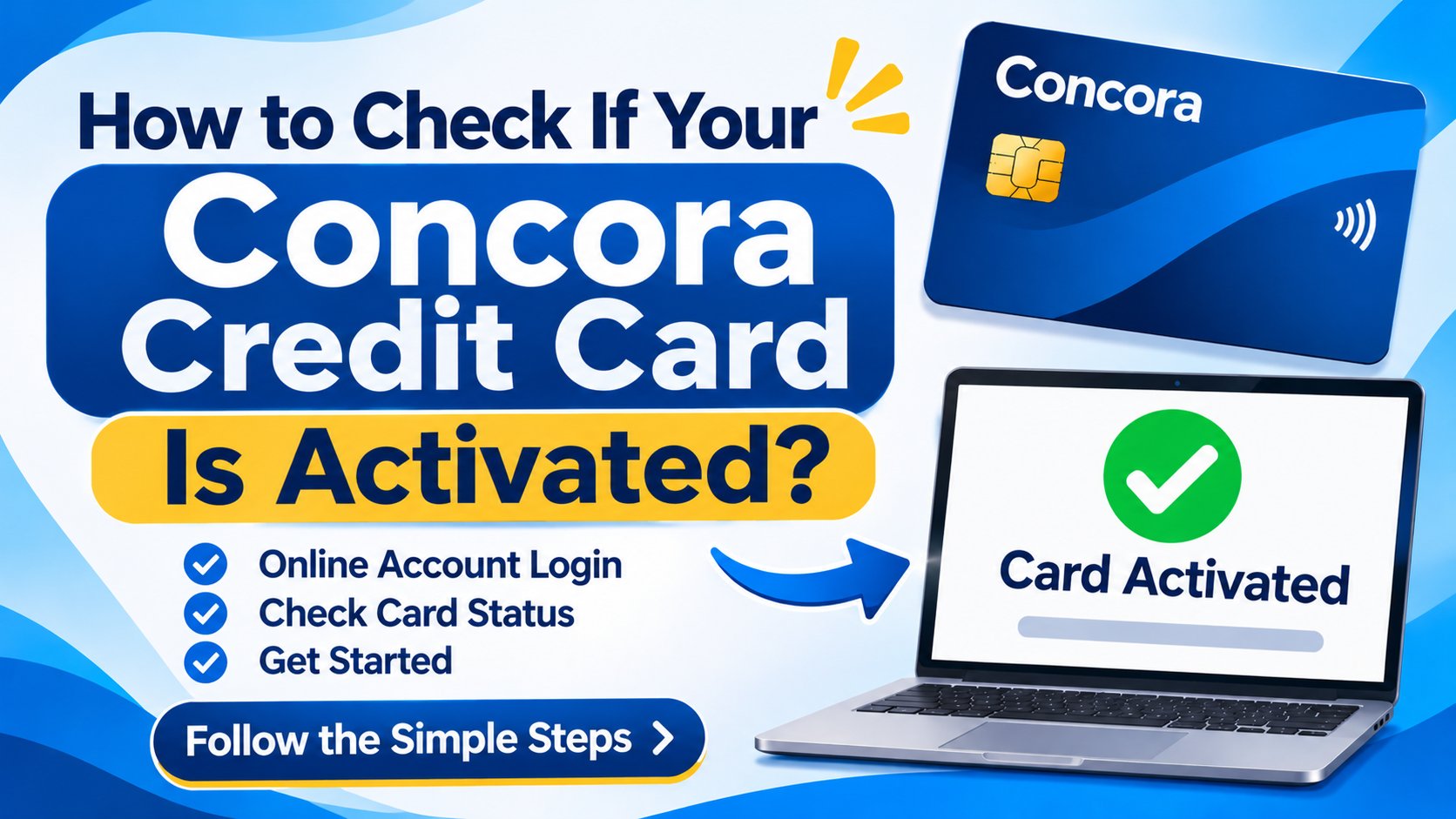
How to Check If Your Concora Credit Card Is Activated?
Learn how to check if your Concora Credit Card is activated with simple steps. Verify your card status online and find solutions to activation problems.
In this article
- 1. Sign In to Your Online Account
- 2. Check Your Card Activation Confirmation
- 3. Contact Customer Support
- 4. Check for Activation Errors
- 5. What If Your Concora Credit Card Is Not Activated?
- Benefits of Checking Your Card Activation Status
- Frequently Asked Questions
- 1. How do I know if my Concora Credit Card is activated?
- 2. Can I check my card activation status online?
- 3. What should I do if my card is not activated?
- 4. How long does Concora Credit Card activation take?
Have you recently received a new Concora Credit Card and want to know whether it is activated? Checking your card activation status is important before using it for purchases or other transactions.
You can check your card status by signing in to your online account or contacting the card issuer. In this guide, we will explain some simple ways to check whether your Concora Credit Card is activated.

1. Sign In to Your Online Account
One of the easiest ways to check your card status is through your online account.
Follow these steps:
Open the account management website provided by your card issuer.
Enter your registered username and password.
Sign in to your account.
Open your account dashboard.
Look for your card details or activation status.
Check whether your card is showing as active.
2. Check Your Card Activation Confirmation
After completing the activation process, you may receive a confirmation message or notification from the card issuer.
Check your registered email address or phone messages for any activation confirmation. If you have received confirmation, follow any additional instructions provided.
3. Contact Customer Support
If you cannot find your activation status online, contact customer support using the phone number printed on your card or included in your card documents.
The support team can help you verify whether your card is active and explain what to do if activation is still pending.
4. Check for Activation Errors
Sometimes, your card may not be activated because of incorrect information or a temporary technical problem.
If you experience an issue, try these simple solutions:
Check that your card details are correct.
Make sure your internet connection is working.
Open the activation website using an updated browser.
Follow the instructions provided with your card.
Contact customer support if the problem continues.
5. What If Your Concora Credit Card Is Not Activated?
If your card is not showing as active, do not worry. Review the activation instructions that came with your card and follow the required steps.
You can also contact the card issuer to find out whether additional verification or assistance is needed.
Benefits of Checking Your Card Activation Status
Checking your card status helps you:
Know whether your card is ready to use.
Identify activation issues early.
Avoid confusion when making purchases.
Get assistance if your activation is incomplete.
Manage your card account more easily.
Frequently Asked Questions
1. How do I know if my Concora Credit Card is activated?
You can check your activation status by signing in to your online account or contacting the card issuer.
2. Can I check my card activation status online?
Yes, if your card issuer provides online account access, you may be able to review your card information and status after signing in.
3. What should I do if my card is not activated?
Review your activation details and follow the instructions provided with your card. If the issue continues, contact customer support.
4. How long does Concora Credit Card activation take?
Activation timing can depend on the card issuer's process. Follow the instructions provided with your card or contact customer support for an update.
Disclaimer
This article is for general informational purposes only. It is an independent help guide and is not affiliated with or endorsed by Concora Credit. Always use the official website for secure account access and card activation.