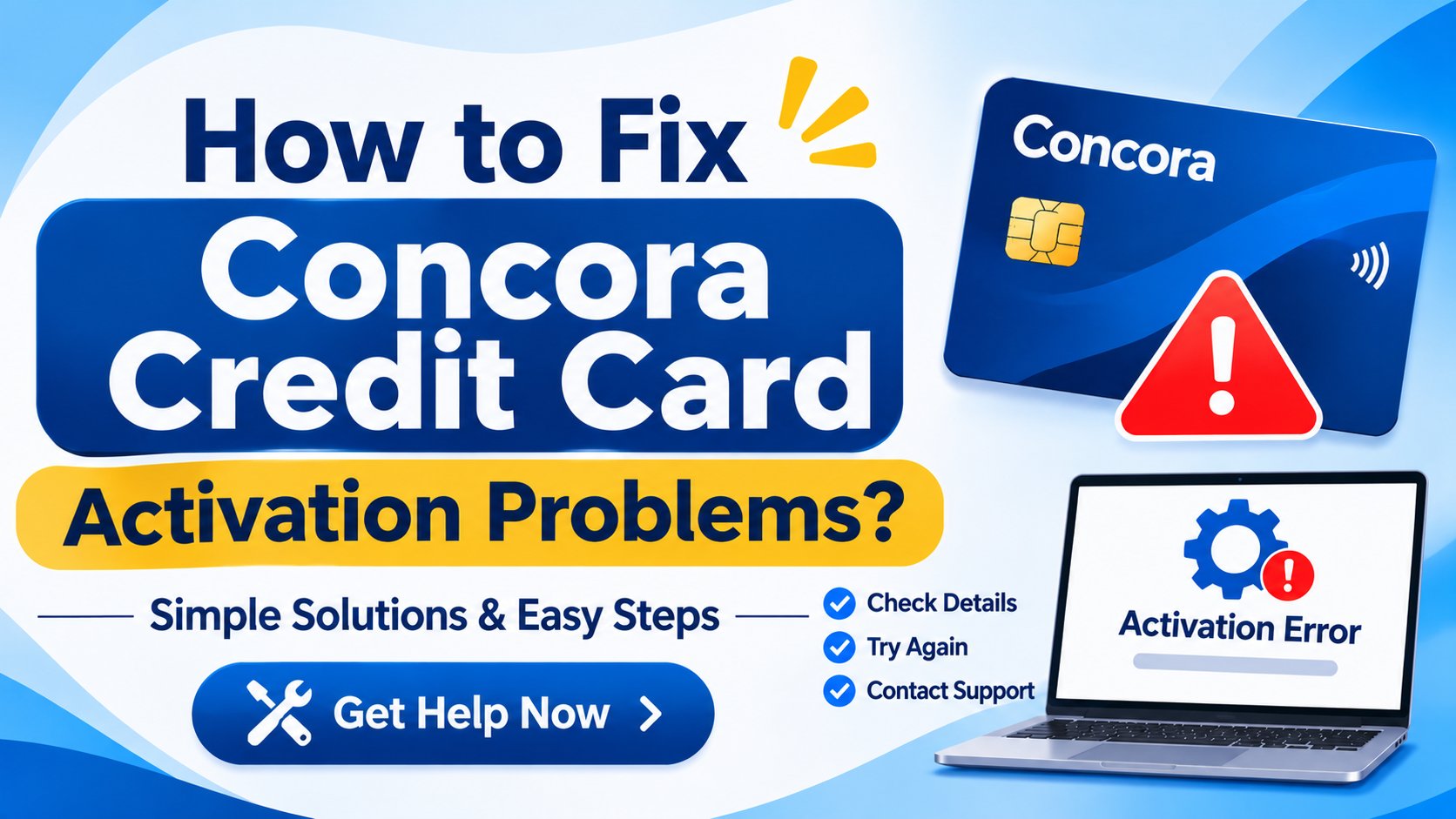
How to Fix Concora Credit Card Activation Problems?
Learn how to fix Concora Credit Card activation problems with easy troubleshooting steps. Discover common activation errors, solutions, and helpful tips.
In this article
Are you having trouble activating your new Concora Credit Card? Sometimes, users may experience issues during the online activation process because of incorrect card information, internet connection problems, or account verification errors. Fortunately, there are a few simple troubleshooting steps you can try to resolve these issues.
In this guide, we will explain common Concora Credit Card activation problems and how to fix them easily.

Common Concora Credit Card Activation Problems
Before trying to activate your card again, it is helpful to understand what might be causing the problem.
Some common issues include:
Incorrect card information entered during activation.
Poor or unstable internet connection.
Temporary website loading problems.
Incorrect personal or account details.
Difficulty accessing the online account.
Card information that does not match the issuer's records.
Steps to Fix Concora Credit Card Activation Problems
Follow these simple steps to troubleshoot activation difficulties.
- Check Your Card Details
First, make sure you have entered the correct information. Carefully review your card number and any other requested details. Even a small typing mistake can prevent the activation process from continuing.
- Check Your Internet Connection
A slow or unstable internet connection may interrupt the activation process. Switch to a reliable network and reload the activation page before trying again.
- Use the Correct Activation Website
Make sure you are visiting the official activation website provided by your card issuer. Avoid unfamiliar websites or links from unknown sources.
If you are searching for concoracredit.com activate card, verify the correct activation address using the information provided with your card.
- Try a Different Browser
Sometimes, browser settings or stored cache files can cause website issues. Try opening the activation page in another updated browser. You can also clear your existing browser cache and cookies before trying again.
- Review Your Personal Information
Check that the personal information you provide matches the details associated with your card account. Incorrect information may cause verification difficulties.
- Try Again Later
If the activation website is temporarily unavailable, wait a little while and try again. Temporary technical issues may prevent the page from working properly.
- Contact Customer Support
If none of these steps work, contact the customer support team using the phone number printed on your card or included in your card documents. They can help identify the issue and explain the next steps.
Tips to Avoid Card Activation Problems
Keep these helpful tips in mind when activating your Concora Credit Card:
Enter your card information carefully.
Use a secure and reliable internet connection.
Make sure your browser is updated.
Follow the instructions provided with your card.
Never share your card details, password, or security codes with unknown people.
Use only verified issuer websites for activation.
What Should You Do If Your Card Is Still Not Activated?
If your card remains inactive after trying the troubleshooting steps, do not repeatedly submit your information. Contact the card issuer directly and explain the problem.
Keep your card and relevant account information available when contacting support, but never share sensitive information through unsecured websites or messages.
Frequently Asked Questions (FAQs)
- Why is my Concora Credit Card not activating?
Your card may not activate because of incorrect information, verification issues, a temporary website problem, or an internet connection error.
- Can I activate my Concora Credit Card again?
If your activation was unsuccessful, follow the issuer's instructions or contact customer support to determine whether another attempt is possible.
- What should I do if the activation website is not working?
Check your internet connection, try another browser, and visit the website again later. If the issue continues, contact the card issuer.
- Do I need to contact customer support for activation problems?
Not always. You can first check your card information and internet connection. However, if the problem continues, customer support can help you identify the cause.
Final Words
Concora Credit Card activation problems can sometimes be resolved by checking your card details, improving your internet connection, or trying another browser. If these solutions do not work, contacting the card issuer is the best way to get further assistance.
Disclaimer
This article is for general informational purposes only. It is an independent help guide and is not affiliated with or endorsed by Concora Credit. Always use the official website for secure account access and card activation.